Exporting Donations
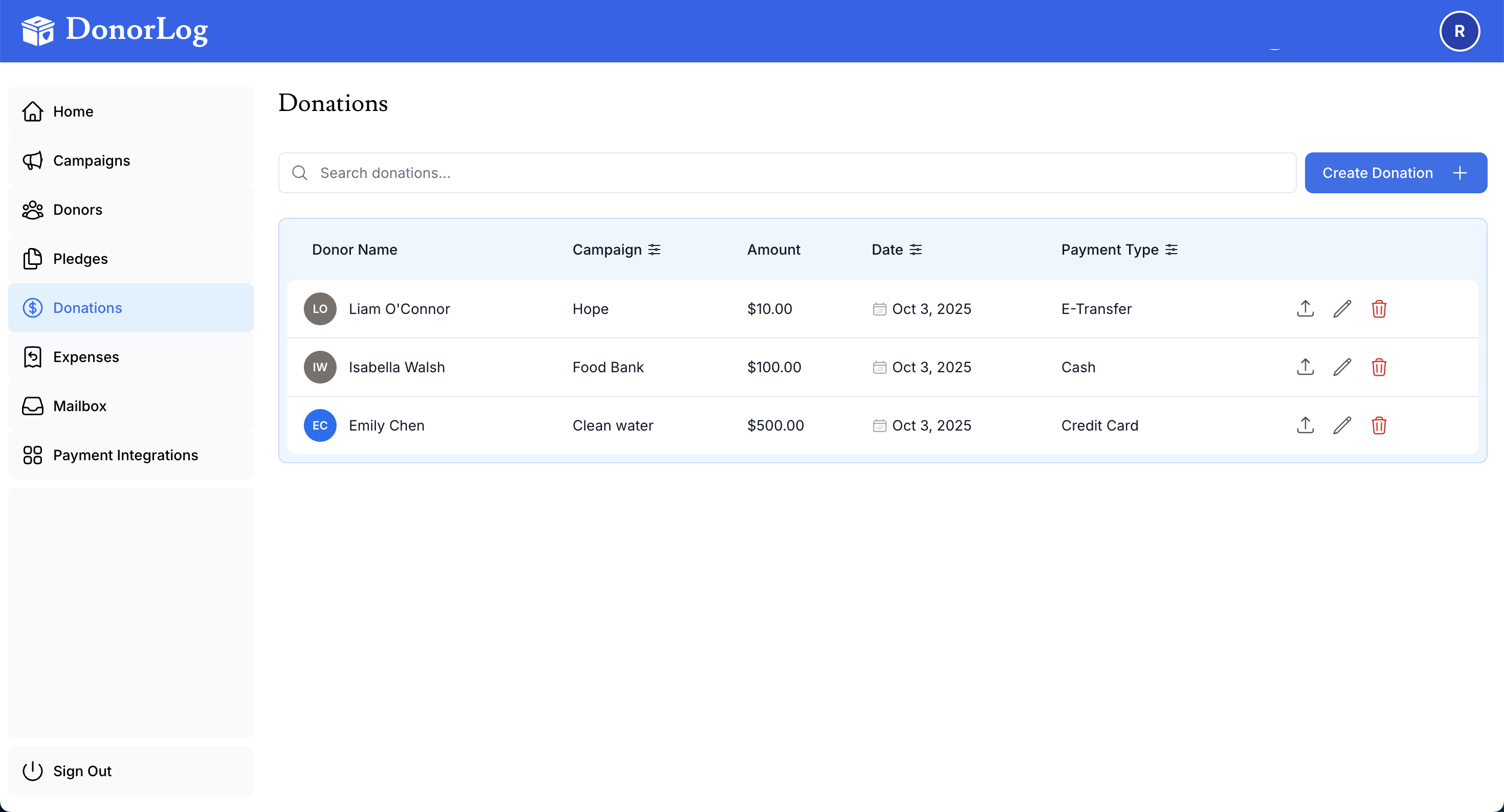
Export donation data for accounting, reporting, or backup purposes.
How to Export
- Go to the Donations page
- Apply any filters you want
- Click "Export"
- Choose format (CSV or Excel)
- Download the file
What's Included
The export includes:
- Donation amounts
- Dates
- Donor information
- Campaign information
- Payment types
- Receipt numbers
Use Cases
- Importing into accounting software
- Creating financial reports
- Backup and archival
- Sharing with accountants