Payment Types
DonorLog supports various payment methods for recording donations. Understanding payment types helps you accurately track how donations are received.
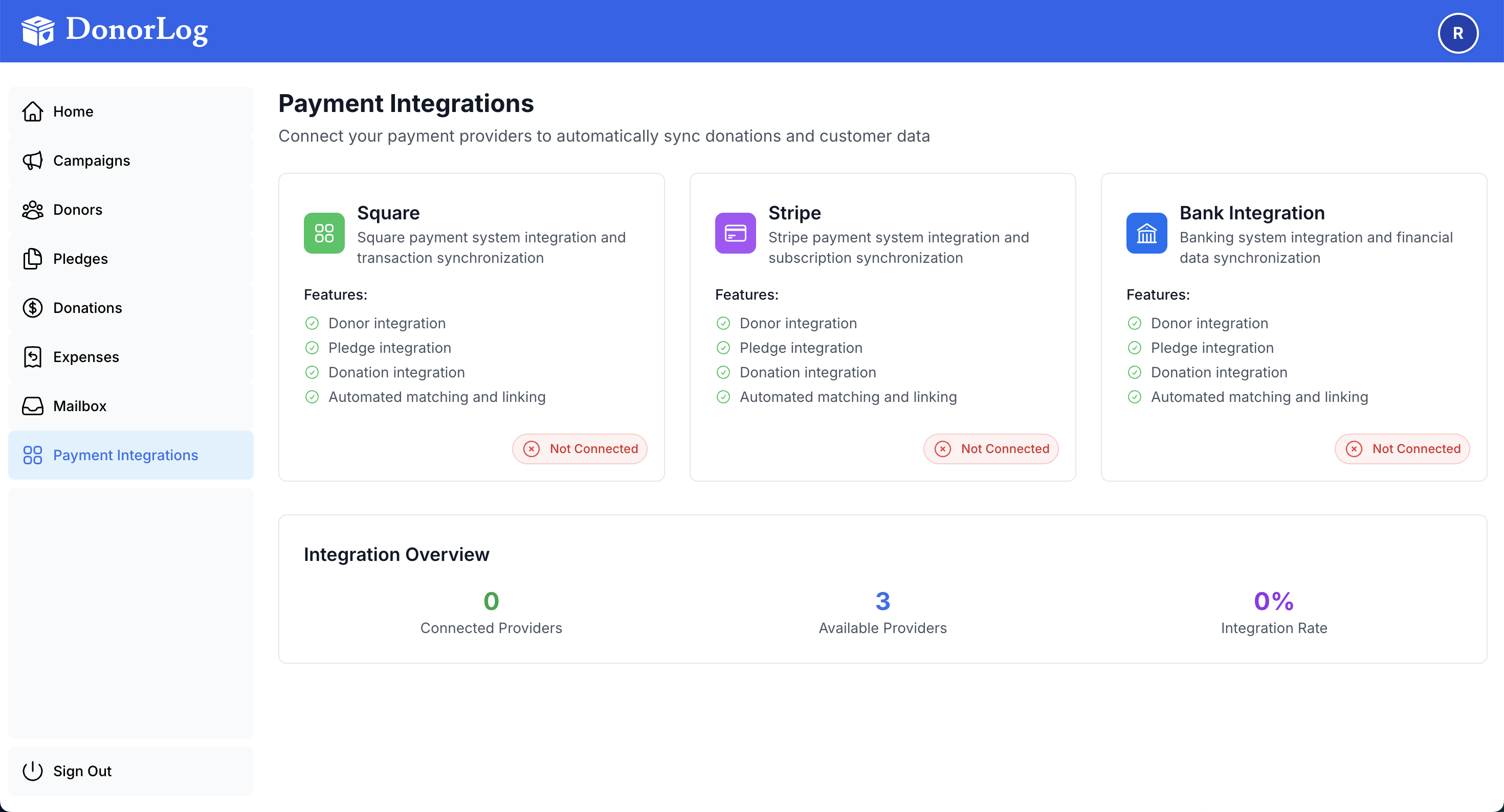
Payment Type describes how the donor paid (Cash, Cheque, etc.), while Source describes where the payment was processed (Manual, Square, PayPal).
Available Payment Types
Cash
When to use: Physical cash donations received in person.
Characteristics:
- No electronic record typically available
- Record immediately when received
- Proof of payment is usually not available
- Common for events, fundraisers, or in-person collections
Best Practices:
- Record cash donations as soon as possible
- Keep a separate cash log for reconciliation
- Deposit cash to bank account promptly
- Consider taking photos of cash collections for records
Cheque
When to use: Donations made by check or cheque.
Characteristics:
- Physical paper check
- Requires bank processing time
- Can upload a photo or scan as proof
- Common for larger donations
Best Practices:
- Upload a photo or scan of the cheque
- Wait for cheque to clear before considering fully processed
- Record the cheque number in notes
- Keep physical cheques in secure storage
Credit Card
When to use: Donations paid via credit or debit card.
Characteristics:
- May be processed online or in-person
- Transaction fees may apply
- Electronic record available
- Fast processing time
Best Practices:
- Upload transaction receipt or confirmation
- Note the last 4 digits of the card if available
- Record transaction ID if provided
- Be aware of processing fees
E-Transfer
When to use: Electronic bank transfers, including Interac e-Transfer.
Characteristics:
- Electronic transfer between bank accounts
- Usually processed within minutes
- Confirmation email or screenshot available
- Common in Canada and other countries
Best Practices:
- Upload confirmation email or screenshot
- Record the transfer reference number
- Verify the transfer was received in your account
- Keep email confirmations for records
Selecting the Right Payment Type
When recording a donation, choose the payment type that best matches how the donor paid:
- Think about the method: How did the donor actually pay?
- Check for proof: What documentation do you have?
- Consider processing: Is it immediate or does it need processing time?
Payment Type vs. Source
It's important to understand the difference:
- Payment Type = How the donor paid (Cash, Cheque, Credit Card, E-Transfer)
- Source = Where the donation came from (Manual, Square, PayPal, etc.)
Examples:
- A donor pays with a credit card through Square → Payment Type: Credit Card, Source: Square
- A donor pays cash at an event → Payment Type: Cash, Source: Manual
- A donor sends an e-transfer → Payment Type: E-Transfer, Source: E-Transfer
Recording Payment Types
When creating a donation:
- Select the appropriate payment type from the dropdown
- The system will save this information
- You can filter and report by payment type later
Reporting by Payment Type
You can generate reports filtered by payment type to:
- See which payment methods are most popular
- Track cash vs. electronic donations
- Analyze donation patterns
- Prepare financial reports
Common Scenarios
Scenario 1: Event Cash Collection
Payment Type: Cash
Source: Manual
Notes: Collected at annual fundraiser event
Scenario 2: Online Credit Card Donation
Payment Type: Credit Card
Source: Square (or PayPal, etc.)
Proof: Upload transaction receipt
Scenario 3: Monthly Cheque
Payment Type: Cheque
Source: Manual
Notes: Monthly recurring donation, cheque #1234
Proof: Upload scanned cheque
Scenario 4: E-Transfer Donation
Payment Type: E-Transfer
Source: E-Transfer
Proof: Upload confirmation email
Notes: Transfer reference: ABC123XYZ
Best Practices
- Be Consistent: Use the same payment type names consistently
- Upload Proof: Whenever possible, upload proof of payment
- Add Notes: Include relevant details in the notes field
- Verify Amounts: Double-check amounts match the payment method
- Record Promptly: Enter donations as soon as they're received
Troubleshooting
Q: I'm not sure which payment type to use.
A: Choose the method that most closely matches how the donor paid. You can always edit it later.
Q: Can I change the payment type after creating a donation?
A: Yes, you can edit the donation and change the payment type.
Q: What if a donor uses multiple payment methods?
A: Create separate donation records for each payment method.
Q: Do payment types affect tax receipts?
A: No, payment types are for tracking purposes only. Tax receipts show the donation amount regardless of payment type.
Related Topics
- Creating Donations - Learn how to record donations
- Uploading Proofs - How to attach proof of payment
- Viewing Donations - See your donation records
Need to record a donation? Learn how to create donations!