Creating Campaigns
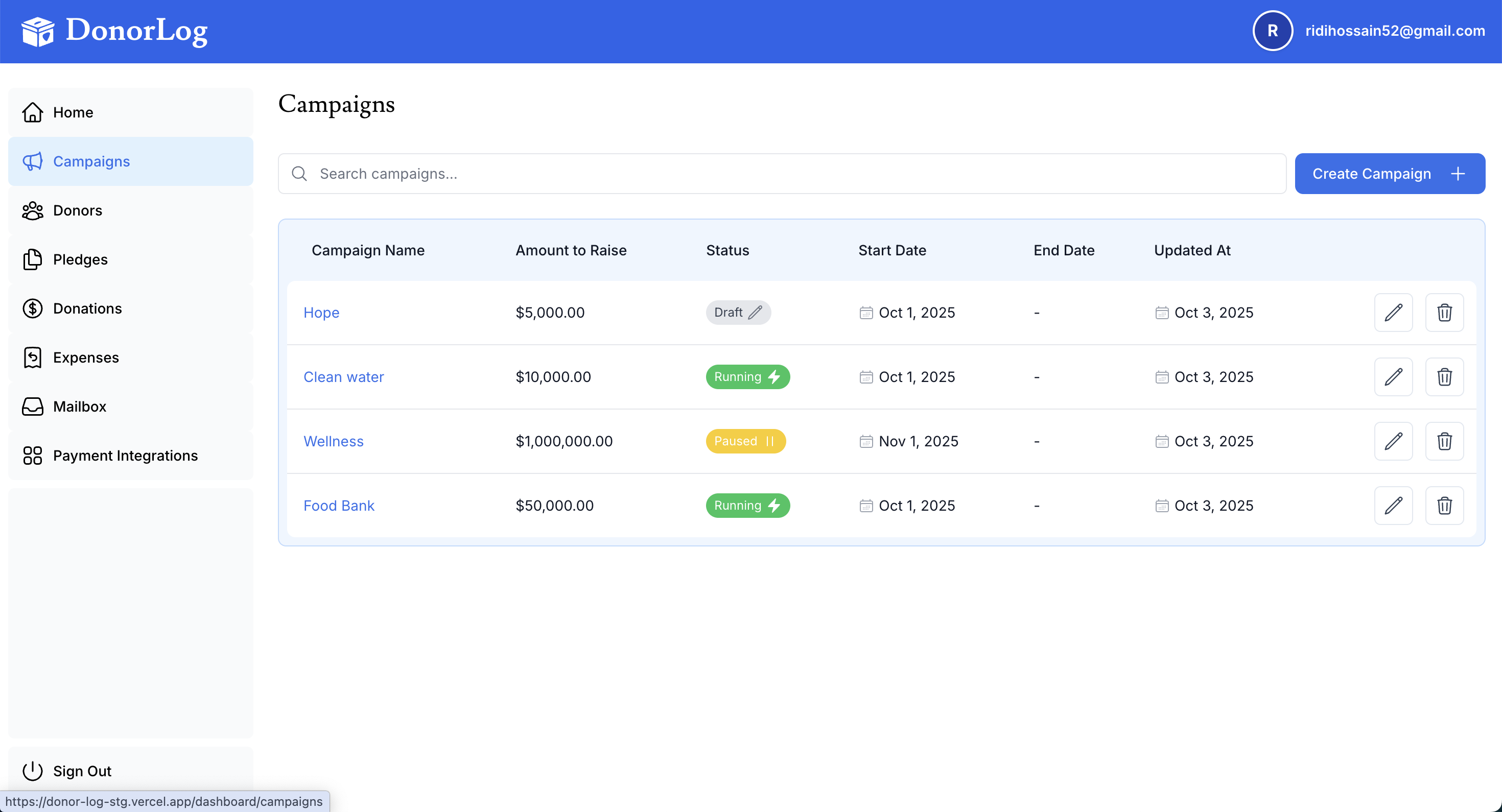
Campaigns help organize your fundraising efforts and track progress toward goals.
What is a Campaign?
A campaign represents a specific fundraising initiative, such as:
- Annual fundraising drive
- Building fund
- Emergency relief
- Special event
- Monthly giving program
Required Information
- Campaign Name - A descriptive name for the campaign
- Fundraising Goal - Target amount to raise
- Start Date - When the campaign begins
- End Date - When the campaign ends (optional)
Step-by-Step
- Click "Campaigns" in the navigation
- Click "Create Campaign"
- Enter campaign name
- Set fundraising goal
- Set start and end dates
- Click "Create Campaign"
Campaign Status
Campaigns can be:
- Active - Currently running
- Completed - Finished
- Draft - Not yet started