Generating Tax Receipts
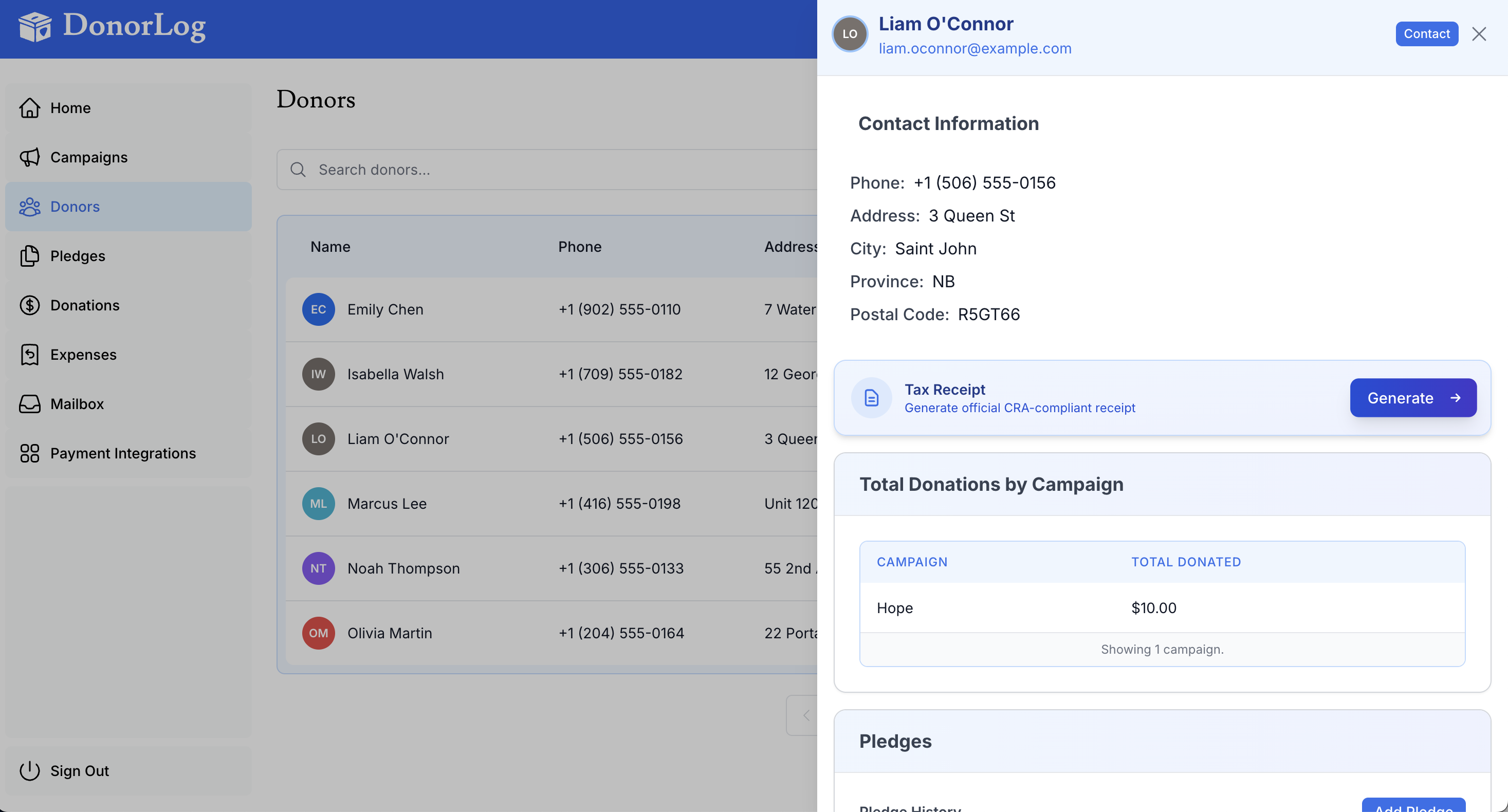
Generate CRA-compliant tax receipts for your donors.
Overview
Tax receipts are automatically generated PDFs that donors can use for tax purposes. They include all required CRA information.
How to Generate a Receipt
From Donor Profile
- Go to the donor's profile page
- Click "Generate Tax Receipt"
- Select the tax year
- The receipt will be generated as a PDF
- Download or email the receipt
Bulk Generation
- Go to Tax Receipts page
- Select donors and year
- Click "Generate Receipts"
- Download all receipts
Receipt Information
Receipts include:
- Donor name and address
- Organization information
- Donation amounts
- Receipt number
- Tax year
- CRA registration number