Emailing Tax Receipts
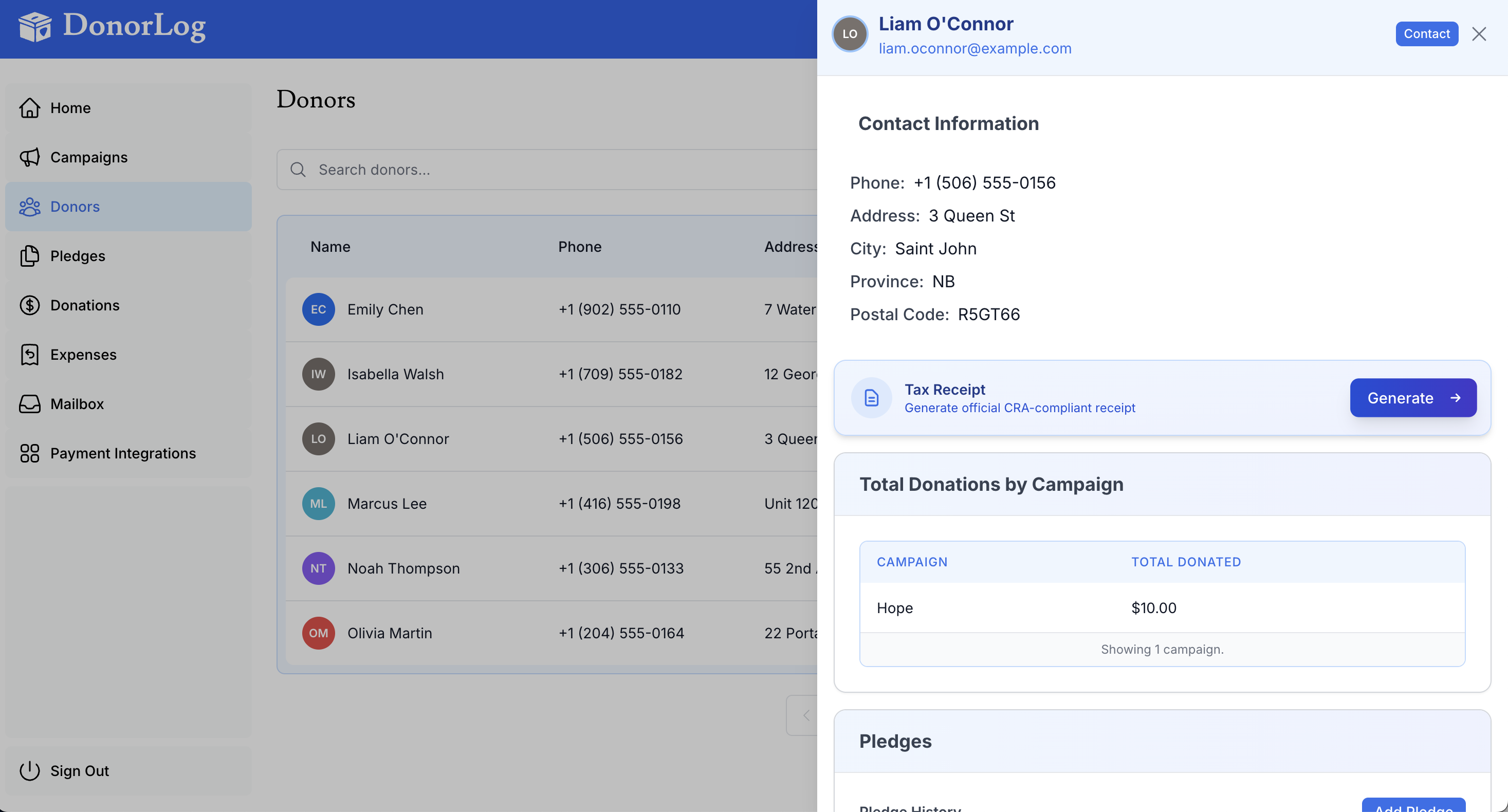
Send tax receipts directly to donors via email.
How to Email a Receipt
- Generate the tax receipt (see Generating Receipts)
- Click "Email Receipt"
- The receipt will be sent to the donor's email address
- You'll see a confirmation message
Requirements
- Donor must have an email address on file
- Email must be valid and active
Email Content
The email includes:
- Subject line with receipt information
- Personal greeting
- Attached PDF receipt
- Thank you message