Bulk Receipt Generation
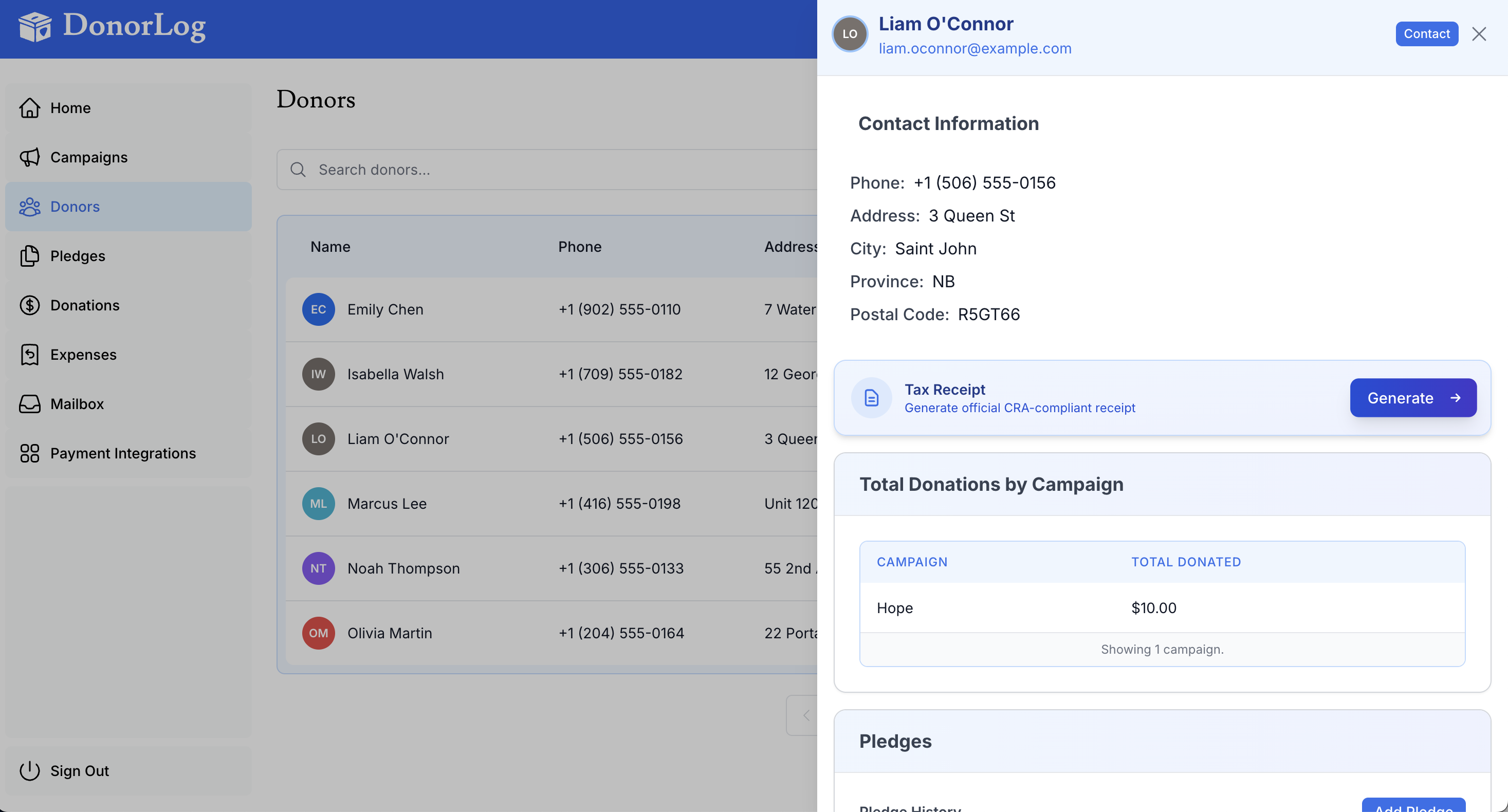
Generate tax receipts for multiple donors at once.
When to Use
- End of tax year
- Generating receipts for all donors
- Batch processing
How to Generate Bulk Receipts
- Go to Tax Receipts page
- Select the tax year
- Choose donors (or select all)
- Click "Generate Receipts"
- Download all receipts as a ZIP file
Bulk Email
You can also email receipts in bulk:
- Generate receipts
- Click "Email All"
- Receipts will be sent to each donor's email