Uploading Proof of Payment
Attach proof of payment documents to donation records for better recordkeeping and compliance.
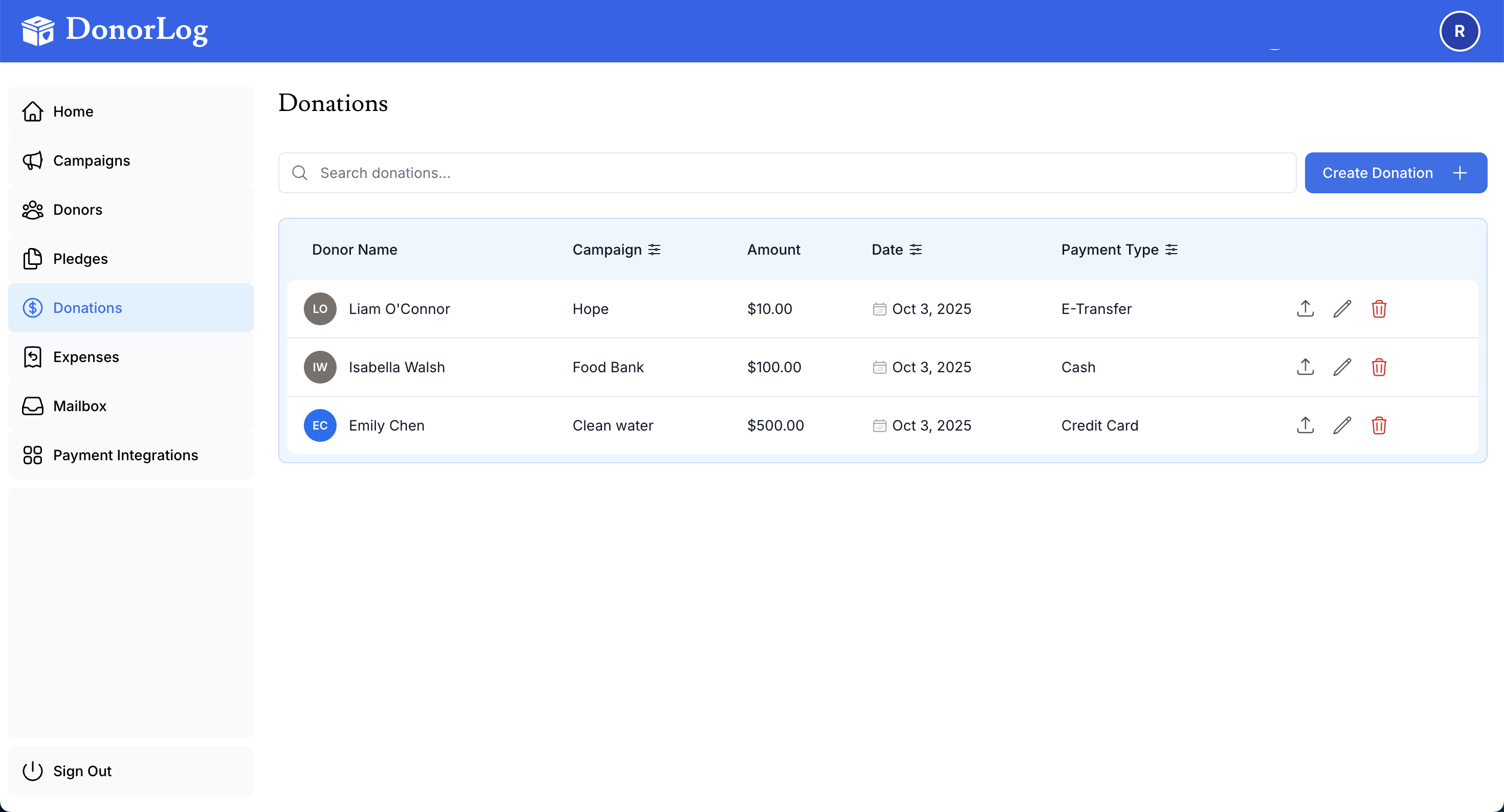
Why Upload Proof?
Proof of payment helps with:
- Accurate recordkeeping: Maintain detailed transaction records
- Audit compliance: Support audit and compliance requirements
- Dispute resolution: Resolve questions about donations
- Financial tracking: Keep complete financial documentation
- Donor confidence: Show professionalism and accountability
Best Practice
Always upload proof of payment for donations over $100 or any electronic payments. This creates a complete audit trail.
Supported File Types
- PDF documents
- Image files (JPEG, PNG, JPG)
File Size Limits
- Maximum size: 10MB per file
How to Upload
- When creating or editing a donation
- Click "Choose File" in the Proof of Payment section
- Select your file
- The file will be uploaded automatically
Best Practices
Upload Guidelines
- Clear images: Ensure receipts and screenshots are legible
- Complete information: Include transaction IDs and reference numbers
- Consistent naming: Use descriptive file names
- Prompt upload: Attach proof when creating the donation
- Verify uploads: Check that files uploaded successfully
- Secure storage: DonorLog stores files securely and encrypted
What to Upload for Each Payment Type
Cash Donations
- Photo of cash collection log
- Event collection sheet
- Cash receipt if issued
Cheque Donations
- Scanned or photographed cheque (front)
- Bank deposit slip (optional)
Credit Card Donations
- Transaction receipt
- Payment processor confirmation
- Screenshot of transaction
E-Transfer Donations
- Email confirmation from bank
- Screenshot of transfer confirmation
- Reference number record
Privacy Note
When uploading credit card receipts, ensure sensitive information (full card numbers) is redacted if required by your organization's privacy policy.