Bulk Donations
Record multiple donations at once using the bulk donation feature, saving time when processing large batches of donations.
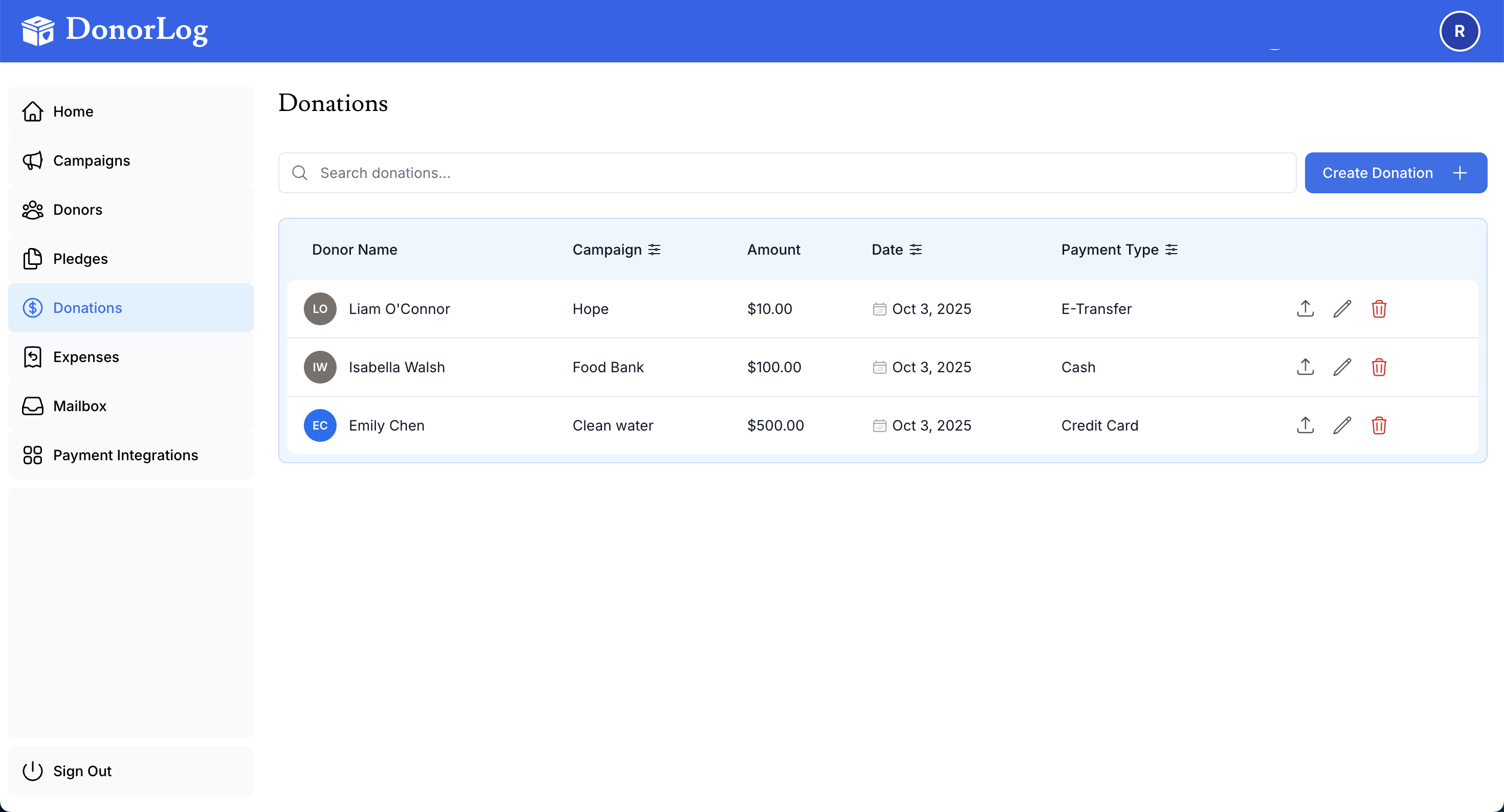
When to Use
Use bulk donations when you need to:
- Record donations from fundraising events
- Import donations from spreadsheets
- Process multiple donations quickly
- Enter data from cash collection drives
- Batch-process online donations
Time Saver
Bulk donations can save hours when processing event donations. Instead of creating donations one-by-one, enter all donations in a single form.
How to Use Bulk Donations
- Go to Donations → Bulk Donations
- Click "Add Row" to add donation entries
- Fill in information for each donation:
- Donor
- Campaign
- Amount
- Date
- Payment Type
- Validate all entries
- Click "Submit All"
Tips for Success
Validation is Key
Always validate your entries before submitting. The system will highlight errors in red. Fix all errors before submitting to avoid data problems.
Best Practices:
- Validate first: Check all entries for errors before submitting
- Start small: Test with a few donations first
- Duplicate rows: Use the duplicate feature for similar donations
- Remove mistakes: Delete rows that contain errors
- Double-check amounts: Verify all donation amounts are correct
- Consistent campaigns: Make sure campaign names match exactly
- Verify donors: Ensure donor names exist in the system
Batch Processing
Once validated and submitted, all donations will be created simultaneously. You'll receive a confirmation showing how many donations were successfully created.