Exporting Donors
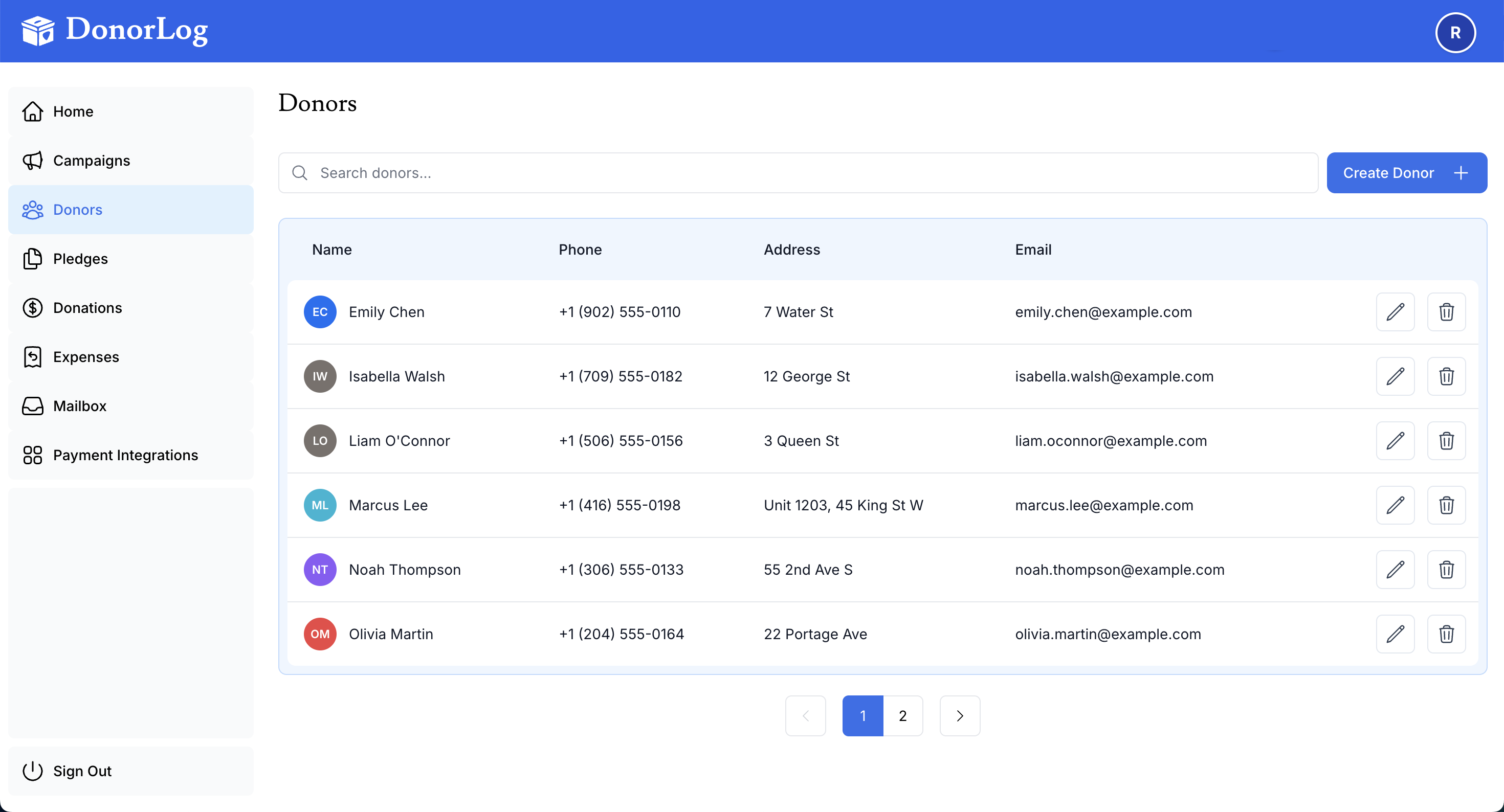
Export donor information to CSV or Excel for external use.
How to Export
- Go to the Donors page
- Click the "Export" button
- Choose export format (CSV or Excel)
- Download the file
What's Included
The export includes:
- Donor names
- Contact information
- Addresses
- Email addresses
- Phone numbers
- Donation totals
- Last donation date
Use Cases
- Importing into other systems
- Creating mailing lists
- Generating reports
- Backup purposes