Viewing Donor Details
View comprehensive information about a donor, including their donation history and contact information.
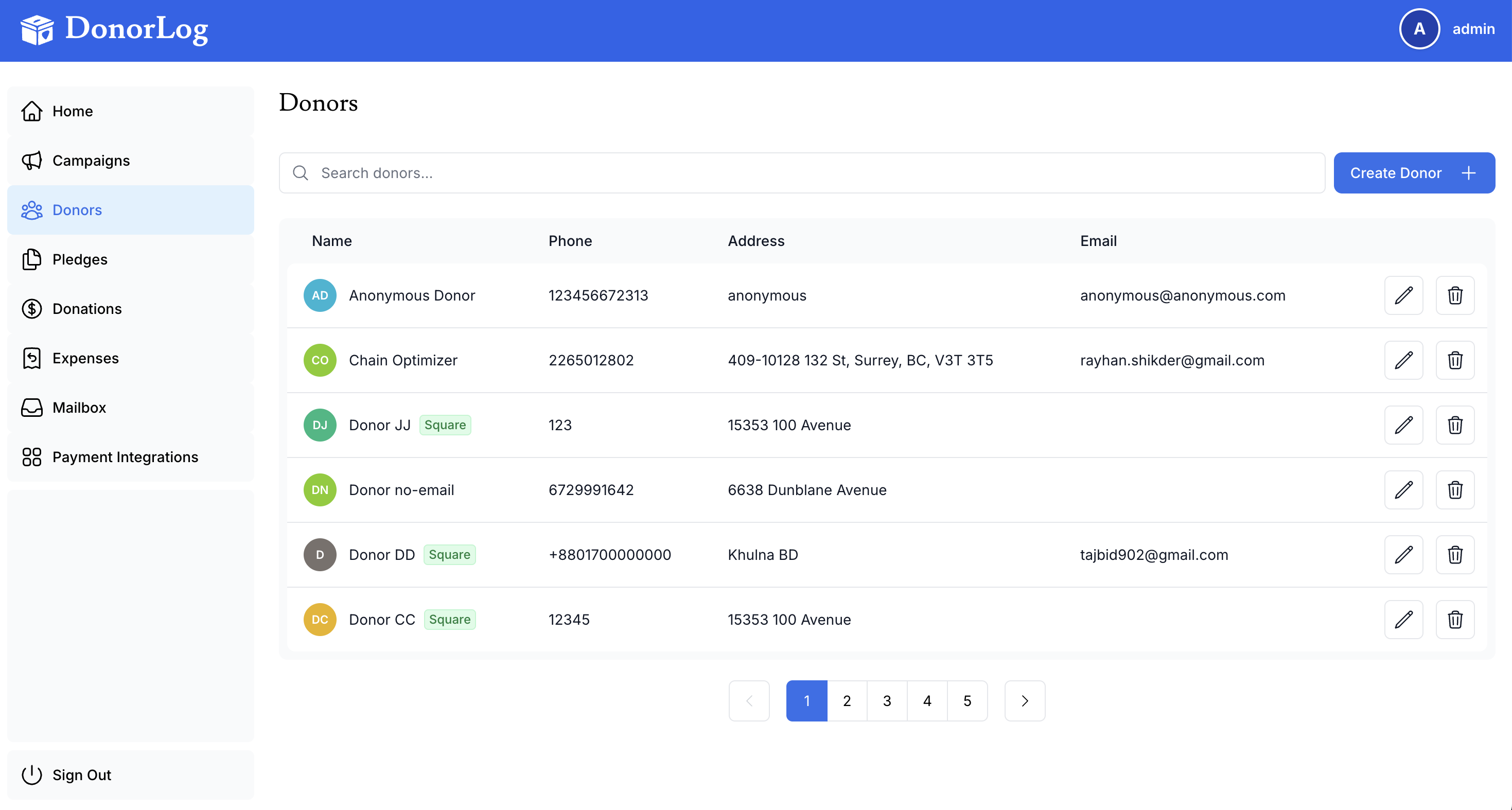
Accessing Donor Details
- Go to the Donors page
- Click on a donor's name from the list
- You'll see their complete profile with all associated information
Quick Access
You can also access donor details directly from donation records, pledges, or email history by clicking the donor's name.
Information Displayed
The donor detail page shows:
Contact Information
- Full name and nickname
- Email address and phone number
- Complete mailing address
- Profile photo (if uploaded)
- Email subscription status
Donation History
- All donations made by this donor
- Total donation amount (lifetime and by year)
- Payment methods used
- Associated campaigns
Pledges
- Active pledges with payment schedules
- Completed pledges
- Pledge payment history
- Outstanding balance
Tax Receipts
- All generated tax receipts
- Receipt numbers and dates
- Download and email options
- Receipt status (sent/pending)
Email History
- All emails sent to this donor
- Delivery status
- Open and click rates
- Unsubscribe status
Actions Available
From the donor details page, you can:
- Edit donor information
- Record a new donation
- Create a pledge for recurring donations
- Generate a tax receipt for any year
- Send an email using templates
- Export donor data and history
- Delete donor (with confirmation)
Deleting Donors
Deleting a donor will permanently remove their record and all associated data. This action cannot be undone. Consider deactivating instead of deleting if you want to preserve historical data.