Searching Donors
Use the search function to quickly find donors in your database, even with thousands of records.
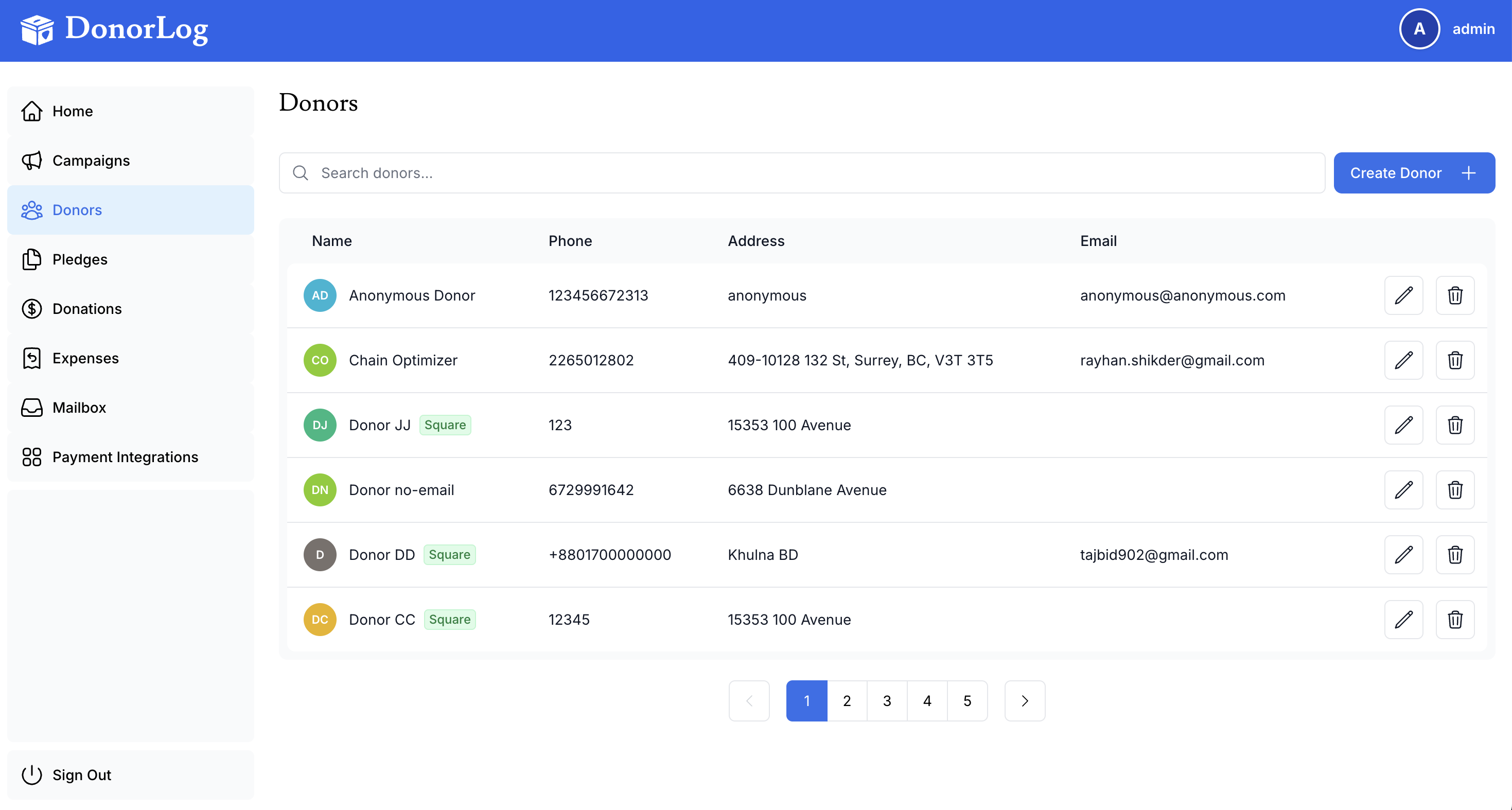
How to Search
- Go to the Donors page
- Locate the search box at the top of the page
- Type your search term
- Results will filter automatically as you type
Search is Fast
The search function works in real-time, showing results instantly as you type. No need to press Enter!
What You Can Search
You can search by:
- First name
- Last name
- Email address
- Phone number
- Any part of the name
Search Tips
Advanced Search Tips
- Case-insensitive: Search for "john" or "JOHN" - both work
- Partial matches: "John" will find "Johnny", "Johnson", etc.
- Multi-field: Searches across name, email, and phone simultaneously
- Phone numbers: Search with or without formatting (555-1234 or 5551234)
- Email domains: Search "@gmail.com" to find all Gmail users
- Clear search: Click the X button to clear and show all donors
Common Search Scenarios
Finding by Partial Name
- Type "smi" to find all Smiths
- Type "john" to find John, Johnny, Johnson, etc.
Finding by Email
- Type part of the email: "john@gmail"
- Search by domain: "@yahoo.com"
Finding by Phone
- Type any part of the phone number
- Works with or without formatting
Sorting Results
After searching, you can sort results by:
- Name (A-Z or Z-A)
- Recent donations
- Total donation amount
- Date added
No Results?
If your search returns no results:
- Check for typos
- Try a shorter search term
- Use only part of the name
- Search by different fields (email instead of name)