Editing Donors
You can update donor information at any time after creating a donor record.
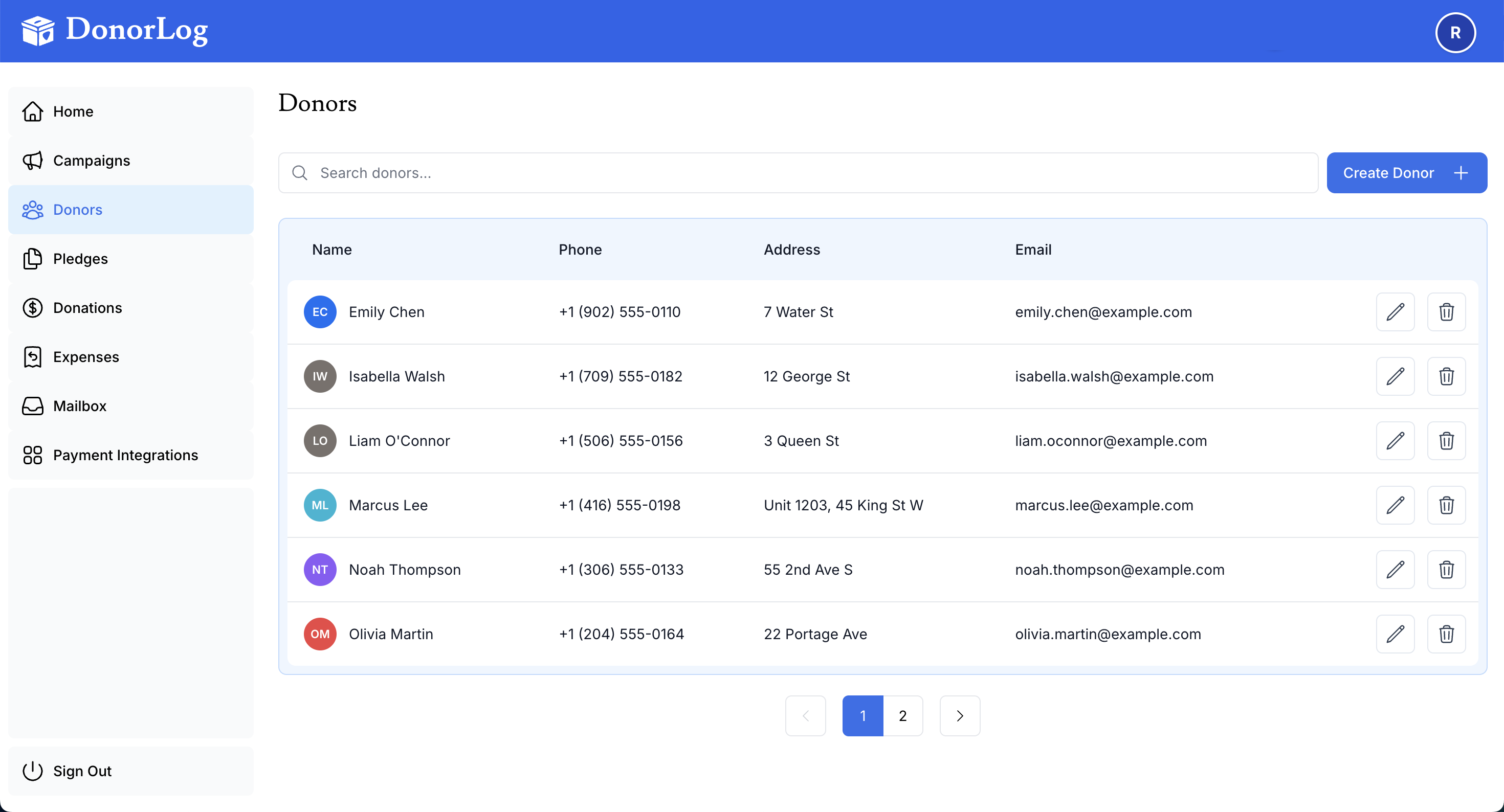
How to Edit a Donor
- Navigate to the Donors page
- Find the donor you want to edit (use search if needed)
- Click on the donor's name or the edit icon ✏️
- Update any fields you need to change
- Click "Save Changes"
Changes Saved
All changes are saved immediately and will be reflected in future tax receipts and communications.
What Can Be Edited
You can update:
- Name (first name, last name, nickname)
- Contact information (phone, email)
- Address (address, city, province, postal code)
- Profile photo
- Email subscription preferences
Best Practices
Keep Information Current
- Update immediately when donors notify you of changes
- Verify addresses before sending tax receipts
- Confirm email addresses to avoid bounce-backs
- Add notes about communication preferences
- Update phone numbers for better donor outreach
- Check for duplicates before making major changes
Common Updates
Updating Email Addresses
When a donor changes their email, update it immediately to ensure they receive:
- Tax receipts
- Donation confirmations
- Campaign updates
- Event notifications
Updating Mailing Addresses
Keep addresses current for:
- Tax receipt compliance (CRA requires current address)
- Mailing physical receipts
- Sending thank you cards
- Event invitations
Managing Unsubscribes
If a donor unsubscribes from emails:
- Their preference is automatically saved
- They won't receive bulk emails
- They will still receive tax receipts
- You can manually re-subscribe them if requested