Inviting Users
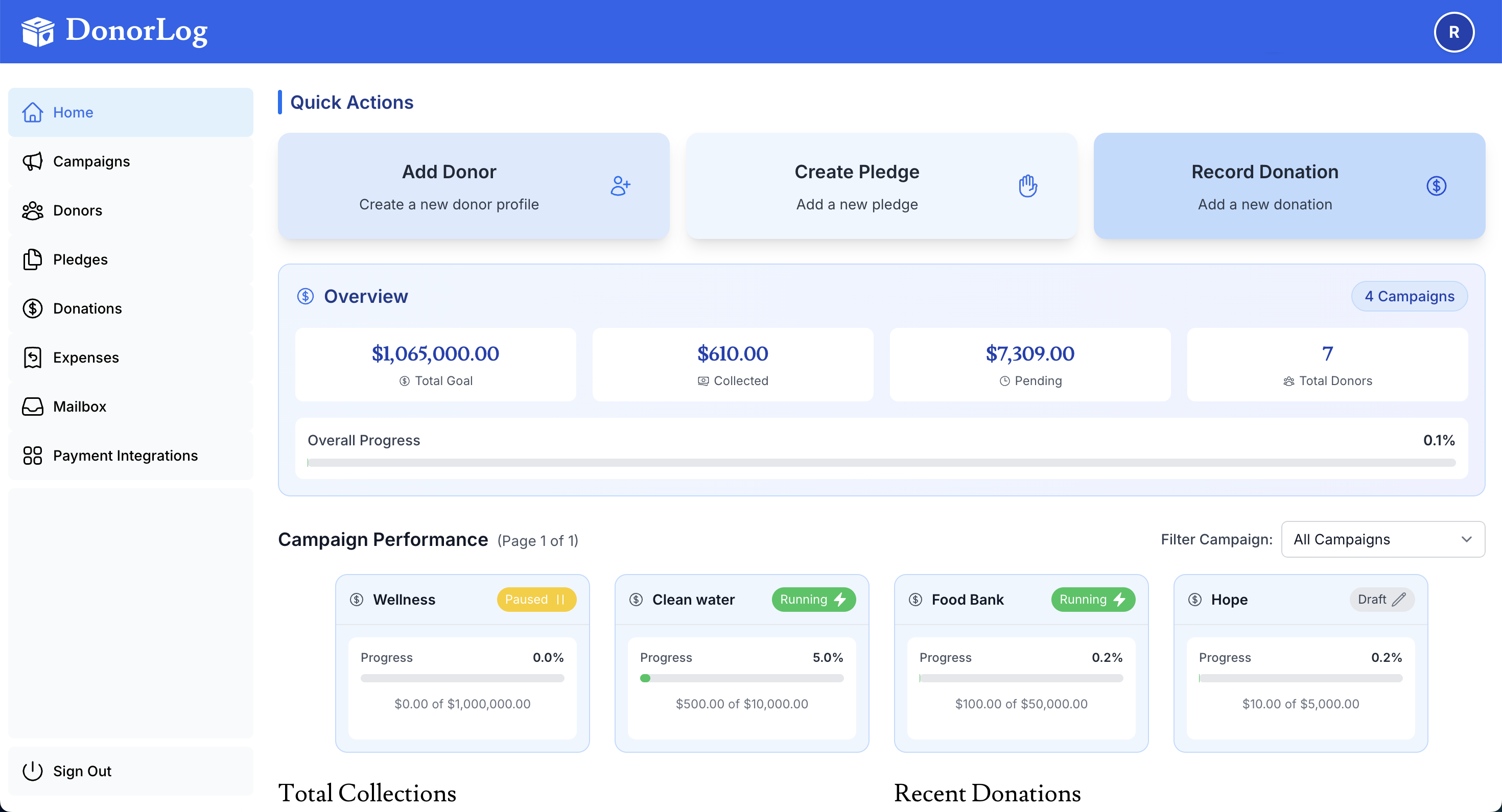
Invite new users to access DonorLog.
How to Invite
- Go to Administration → Users
- Click "Invite User"
- Enter email address
- Select user role
- Send invitation
Invitation Process
- User receives email invitation
- User clicks link to accept
- User sets up account
- User can access DonorLog